

Internet freedom
Connect through your allowed regions and reach the services you use while travelling or away from home.
Connect through the servers included with your plan, protect your traffic, and manage your VPN service from one simple account.
Use your service on supported phones, tablets, computers, streaming devices, and smart TVs.
Download app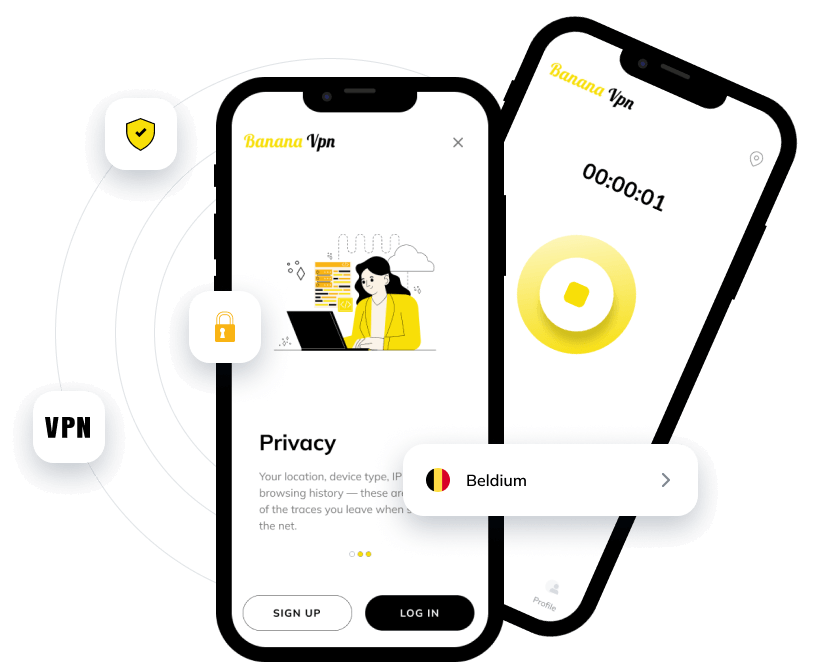
Connect through your allowed regions and reach the services you use while travelling or away from home.
VPN encryption helps protect your connection when you use public or untrusted networks.

Reduce the network information exposed to the sites and services you use by routing traffic through your VPN connection.
Your subscription controls which servers and regions are available to your account.
View plans
 Albania
 Argentina
 Australia
 Belgium
 Bosnia & Herzegovina
 Brazil
 Double VPN
 P2P
P2PSimple plans published directly by your provider, with secure checkout and account access.
24h Free BanananVPN plan
Secure VPN access with Banana VPN Basic.
Everything shown here comes directly from the products your provider publishes in SysAutomator.
Everything shown here comes directly from the products your provider publishes in BananaVPN.
Secure customer checkout
Account and support portal included
Find setup guides and answers without leaving the branded customer experience.
This guide explains how to download BananaVPN on Android devices via Google Play Store and how to install BananaVPN on an Amazon Fire Stick using Downloader. Download BananaVPN on Android via Google Play Store BananaVPN: Download and Install Guide (Android & Fire Stick) — Download BananaVPN on Android via Google Play Store instructional illustration Open the Google Play Store on your Android device and search for BananaVPN . Tap Install , then open the app once it’s installed. Launch BananaVPN and sign in if required. You’re protected once you connect. Install BananaVPN on Amazon Fire Stick using Downloader BananaVPN: Download and Install Guide (Android & Fire Stick) — Install BananaVPN on Amazon Fire Stick using Downloader instructional illustration On the Fire Stick, go to Settings & Device > Developer Options, then turn Apps from Unknown Sources to ON . Return to the Home screen, use the magnifying search to find Downloader , and install it. If you prefer, press and hold the microph…
Read articleNews and updates from BananaVPN.
Learn how to download and install BananaVPN on Android devices using Google Play Store and on Amazon Fire Stick using the Downloader app. Install BananaVPN on Android via Google Play Store Open the Google Play Store on your Android device and launch the app. Search for BananaVPN.…